Educational Services
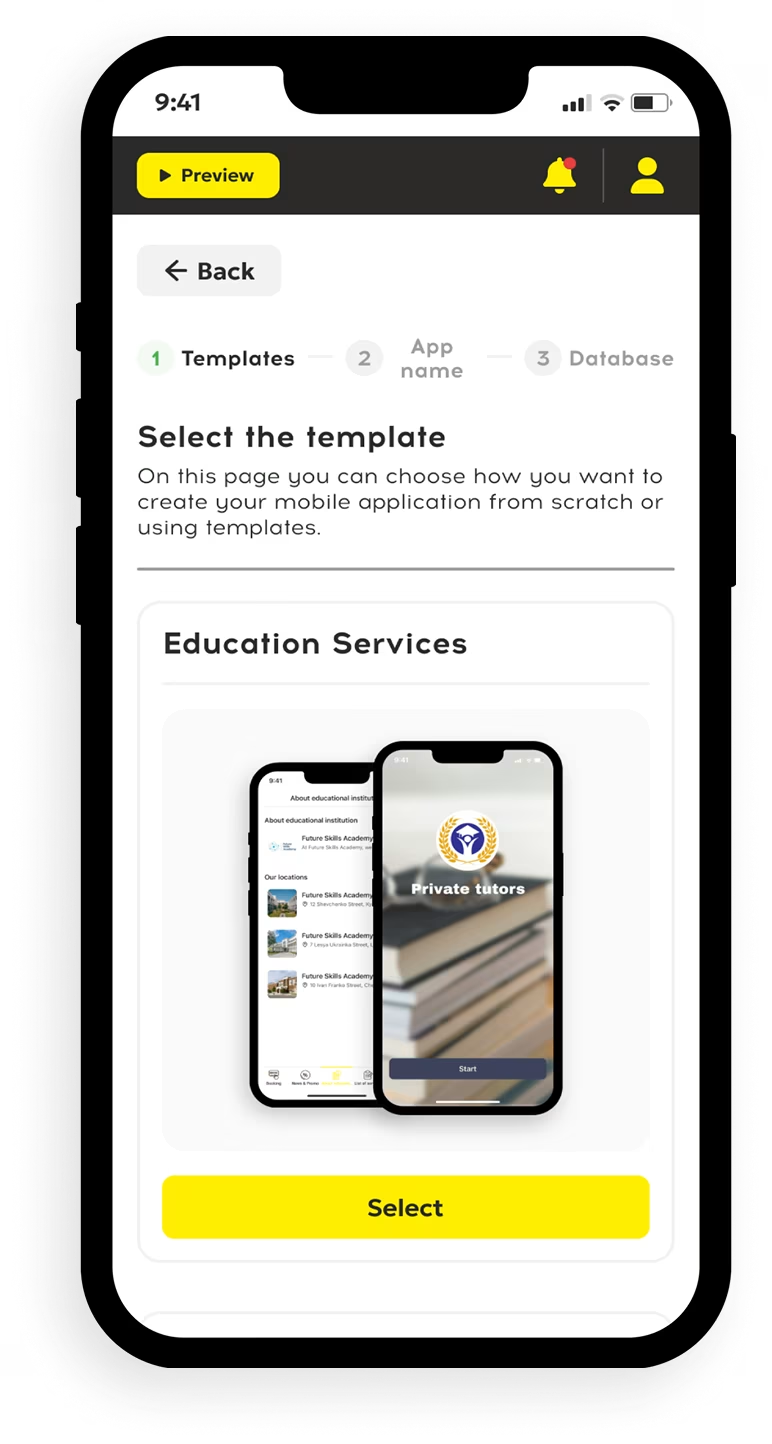
An education app keeps lessons, notices, and resources within reach for students, teachers, and parents. The education template suits a school, tutoring center, or training business that wants to create one place for routine updates. Decide what each role needs from the mobile application.
Choose the setup by checking:
- Access: Can each student and parent find the right information?
- Content: Can a teacher update lessons without rebuilding the app?
- Timing: Does the schedule match actual classes and changes?
- Devices: Is the classroom material readable on a smartphone?
Check these points with a real course before publishing. Ask someone unfamiliar with the setup to find a lesson and a recent update; their questions will show what needs clearer labels.
Educational App Builder for Schools and Learning Projects
The educational app builder lets you create a shared space for a school without starting with code. Staff can post reading, a student can learn between sessions, and families can check announcements. Test one classroom first.
Programs may use the app for day-to-day communication. A tutoring service can use the same education template to organize topics and links. Add classroom instructions beside each lesson for students.
An education app maker helps teams build a mobile course hub. To make education app access practical, use an educational app maker with clear roles. Compare permissions across app maker education tools before you create education app pages. A custom design should keep information easy to find. A high-demand education program can create a mobile application with the educational builder for smartphone use.
Education App Template with Essential Features
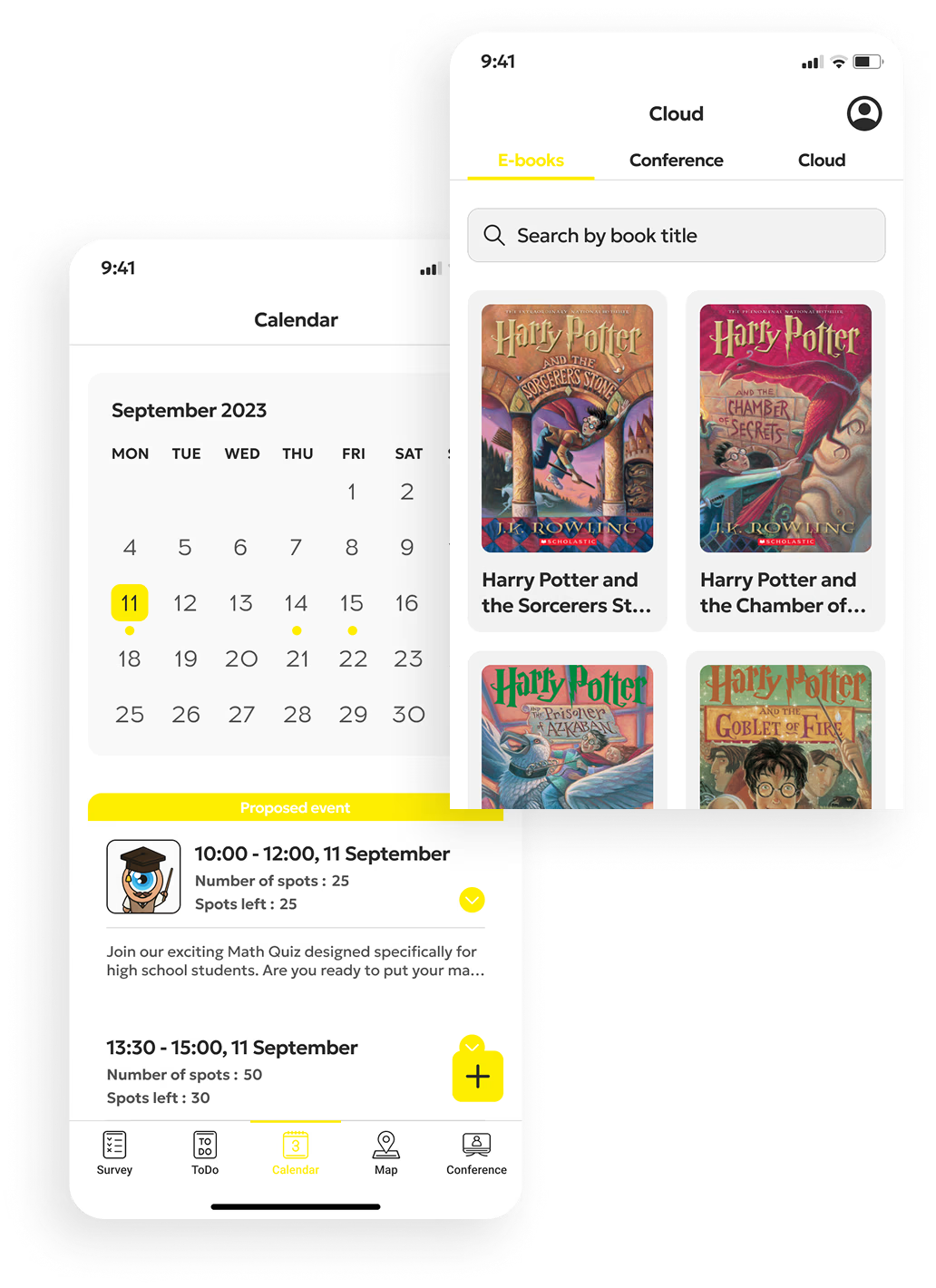
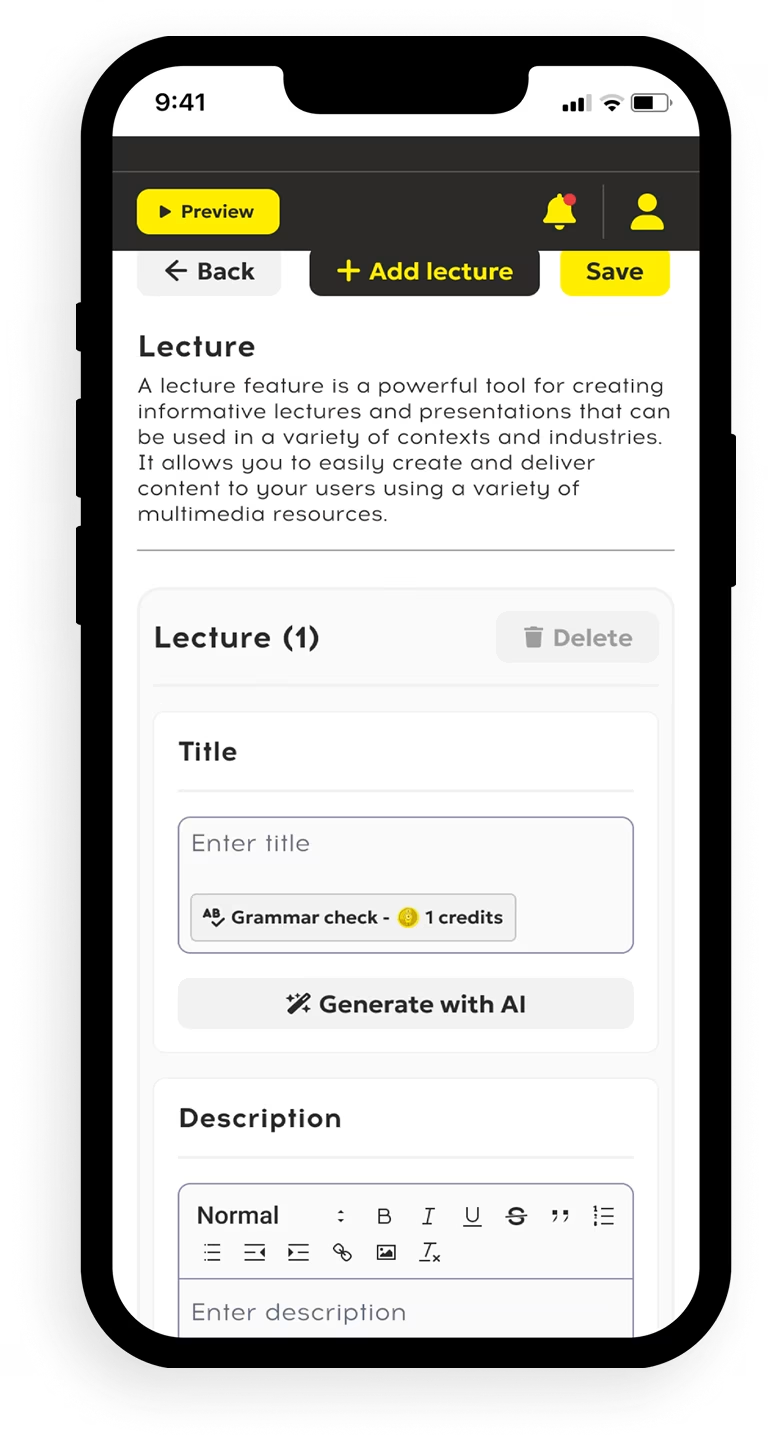
An education app template should connect the schedule, learning materials, and updates in a clear mobile flow. Use the builder to create sections for lessons, dates, and classroom notices. A student should find activities quickly; a teacher should change dates once.
The first educational release can include:
- Lessons with files or links that help a student learn after class.
- A schedule with room details and changes for each classroom.
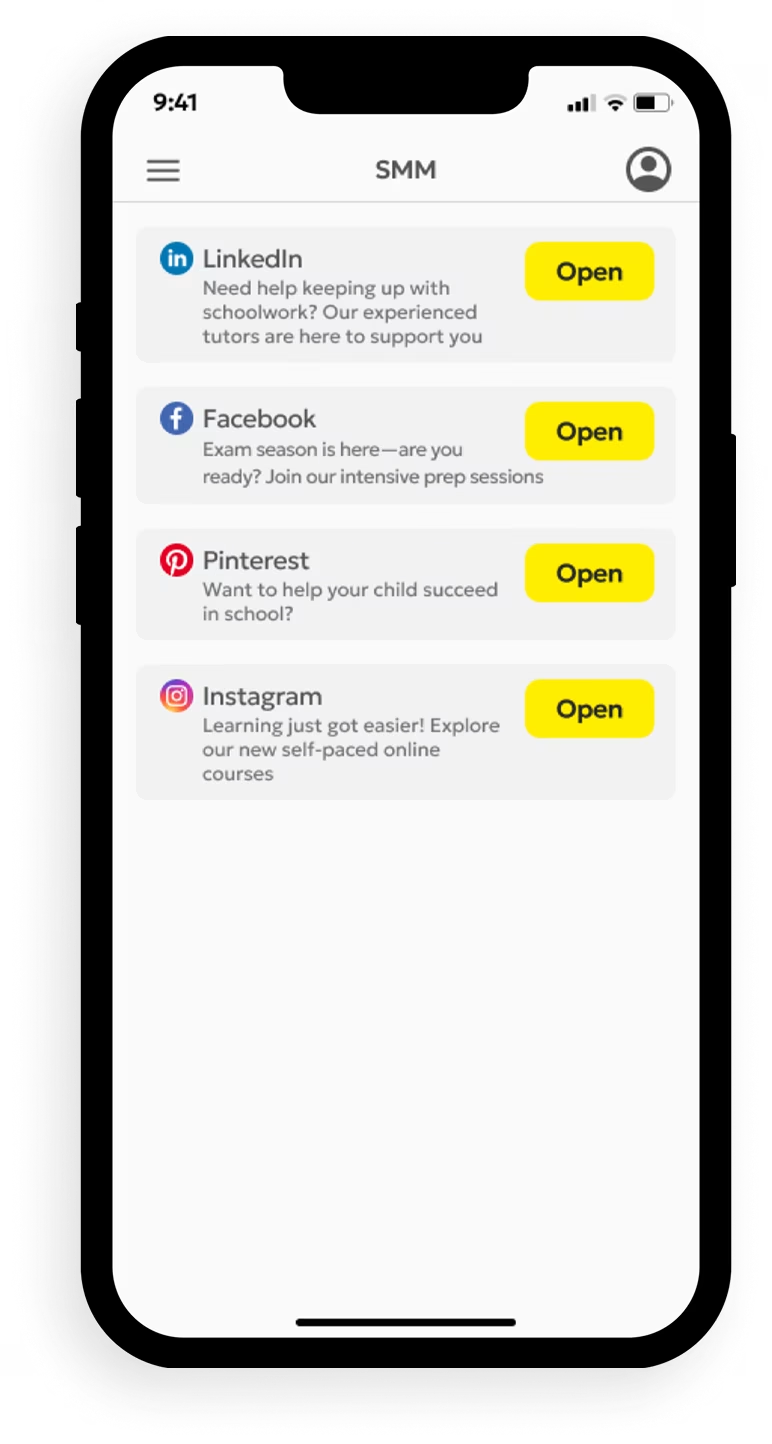
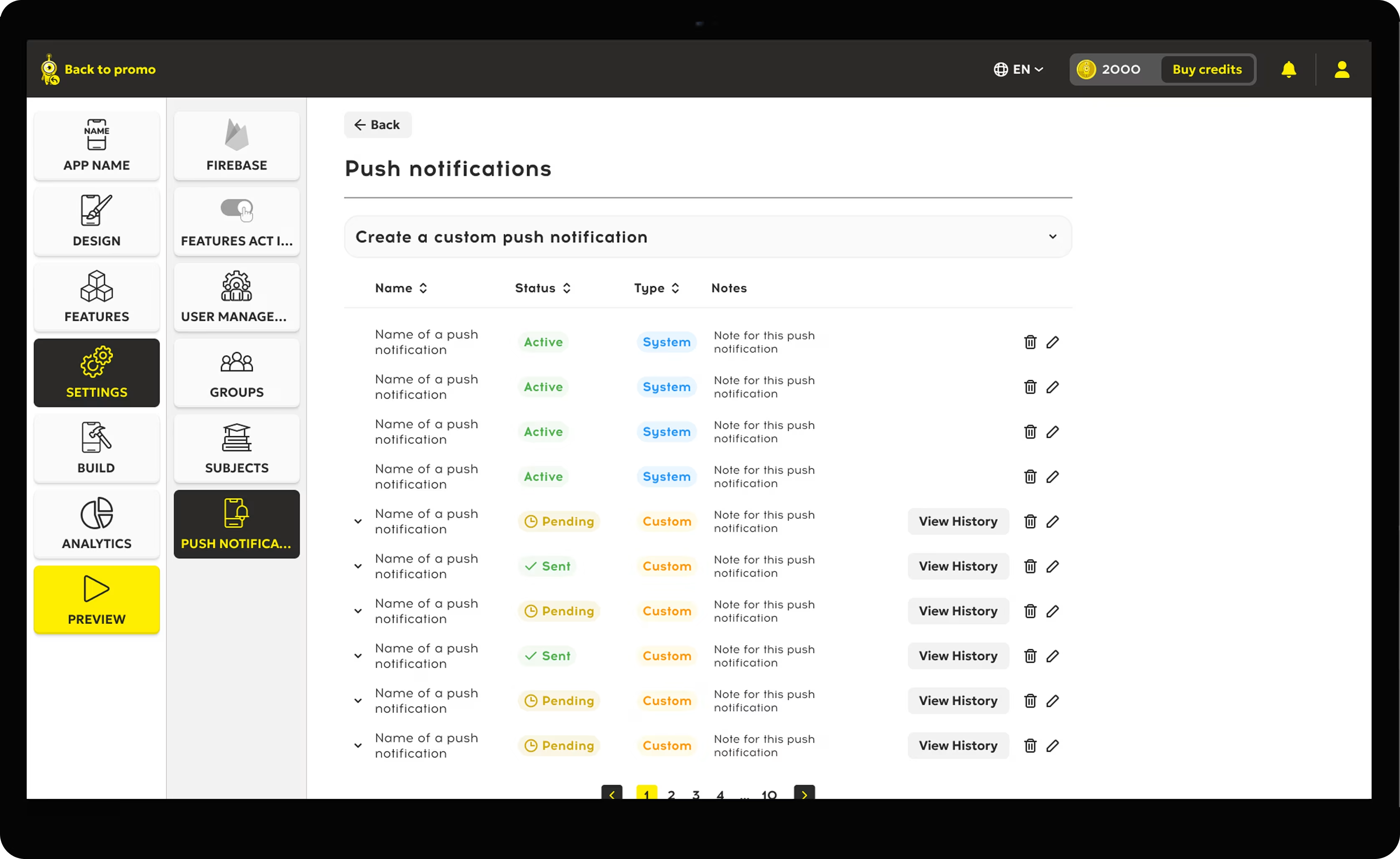
- Notifications for cancellations, deadlines, and new educational content.
- Profiles to manage access for each student and teacher.
Preview every screen on a smartphone. A mobile app may hide buttons or titles on small screens. For high school learners, test on their usual devices.
Develop an Educational App for Your School or Business
To develop an educational app, begin with the tasks your users perform each week. A school might create an attendance page; a language center may create a course catalog. Use the education app builder to add branding and arrange content around those tasks.
You can use a custom logo, course sections, and user roles to separate staff and learner views. Check application permissions before adding private records. For a high volume of classes, plan how staff will manage updates and how a student will locate the correct group.
For educational app development, create a mobile pilot for one group. In learning app development, use a mobile preview to check what learners can learn. Educational teams with high enrollment need a consistent schedule and a clear template for high demand.
Manage Education Content in One App
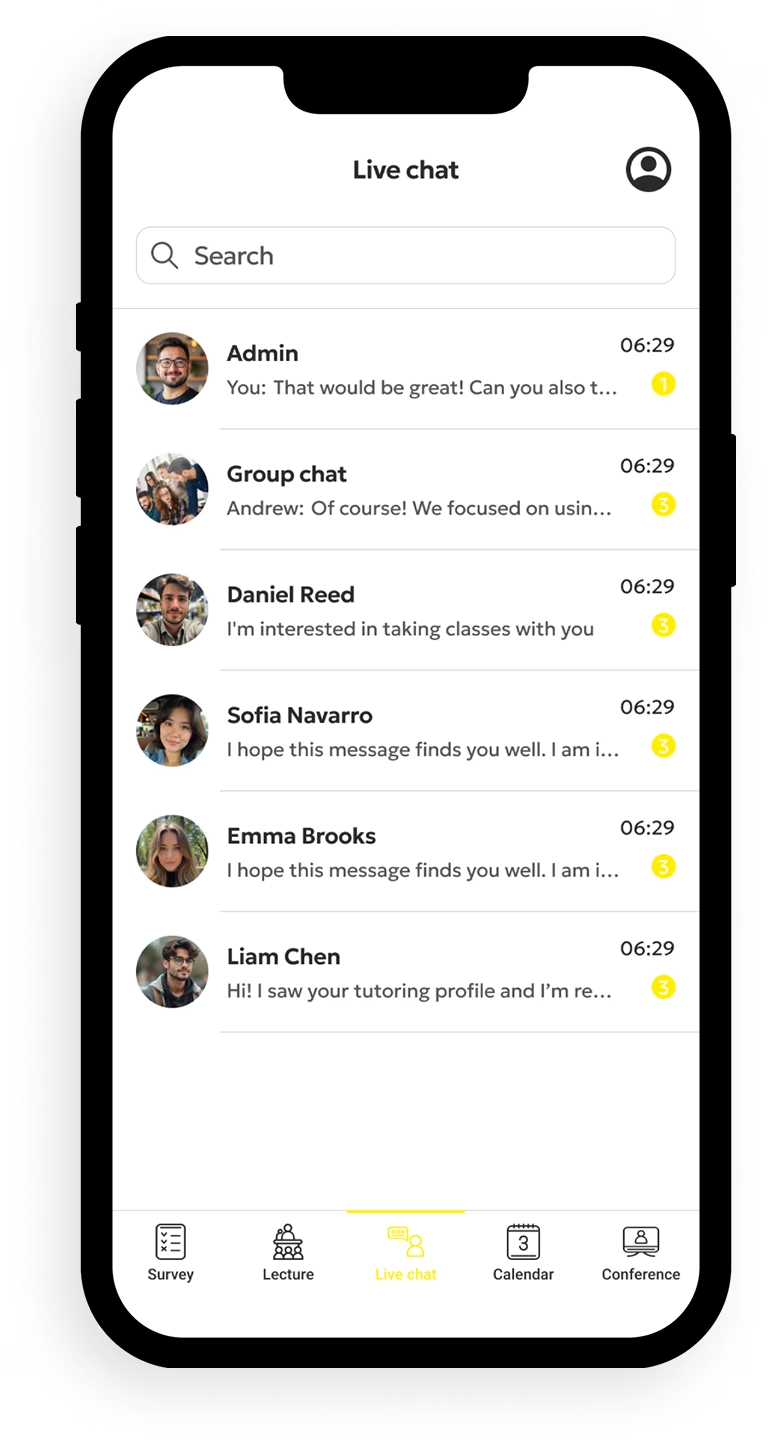
Keep education content in one app so staff can manage notices, course materials, and information from a defined workflow. A school can assign a teacher to each group and decide who can publish to a classroom. Give learners a way to find current work on a smartphone.
For a high school program, a mobile application can place assignments beside class dates. A student can use it to learn outside school hours, while staff manage edits. Test the parent view before launch.
Ready to create your custom school project? Open the education template, add one real course, and test the complete path. Treat this application as the basis for updates.